Iris
Shot on a phone.
Graded in a film lab.
Turn phone shots into photographs. One tap for the look, every control to make it yours.


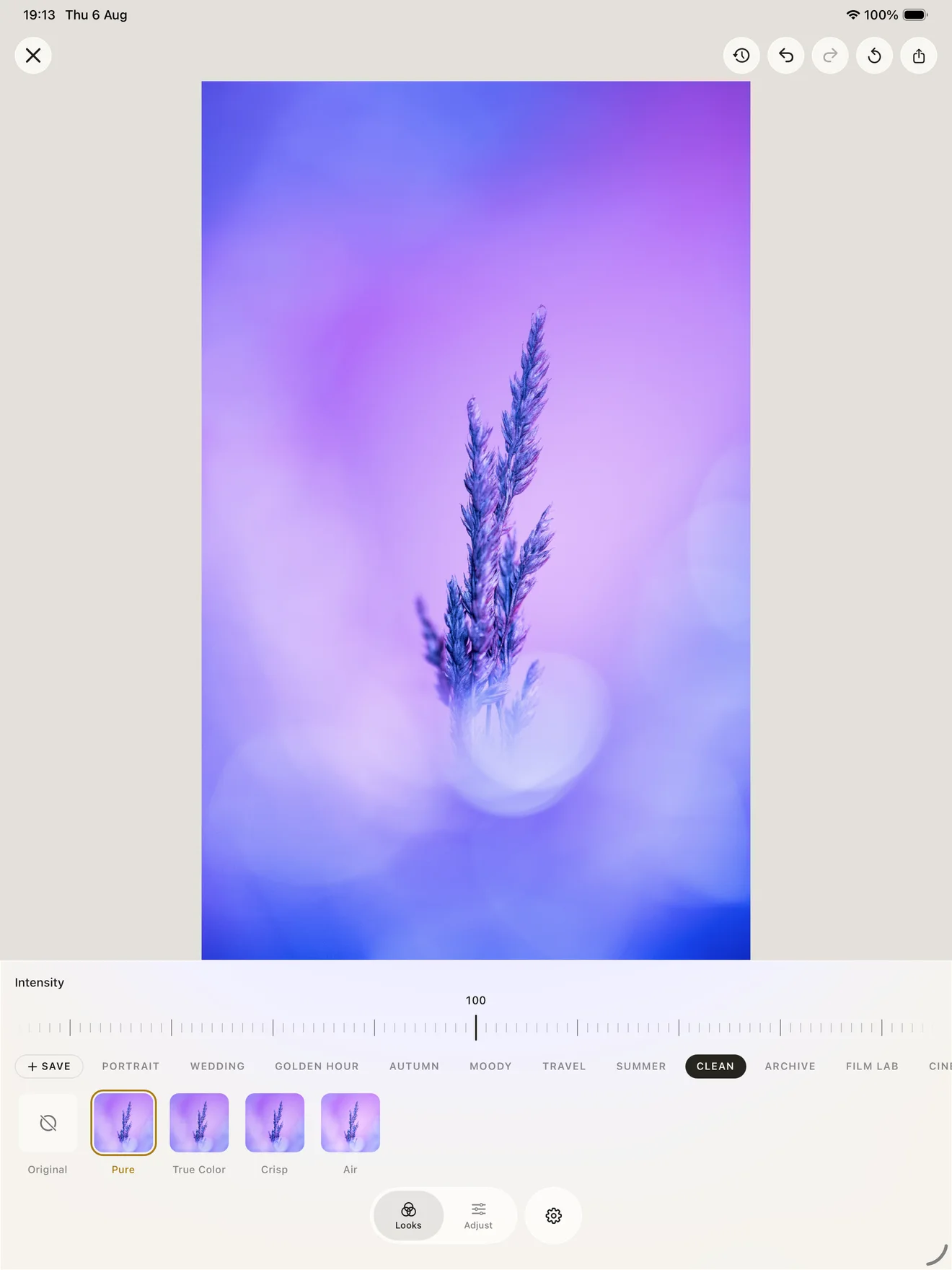
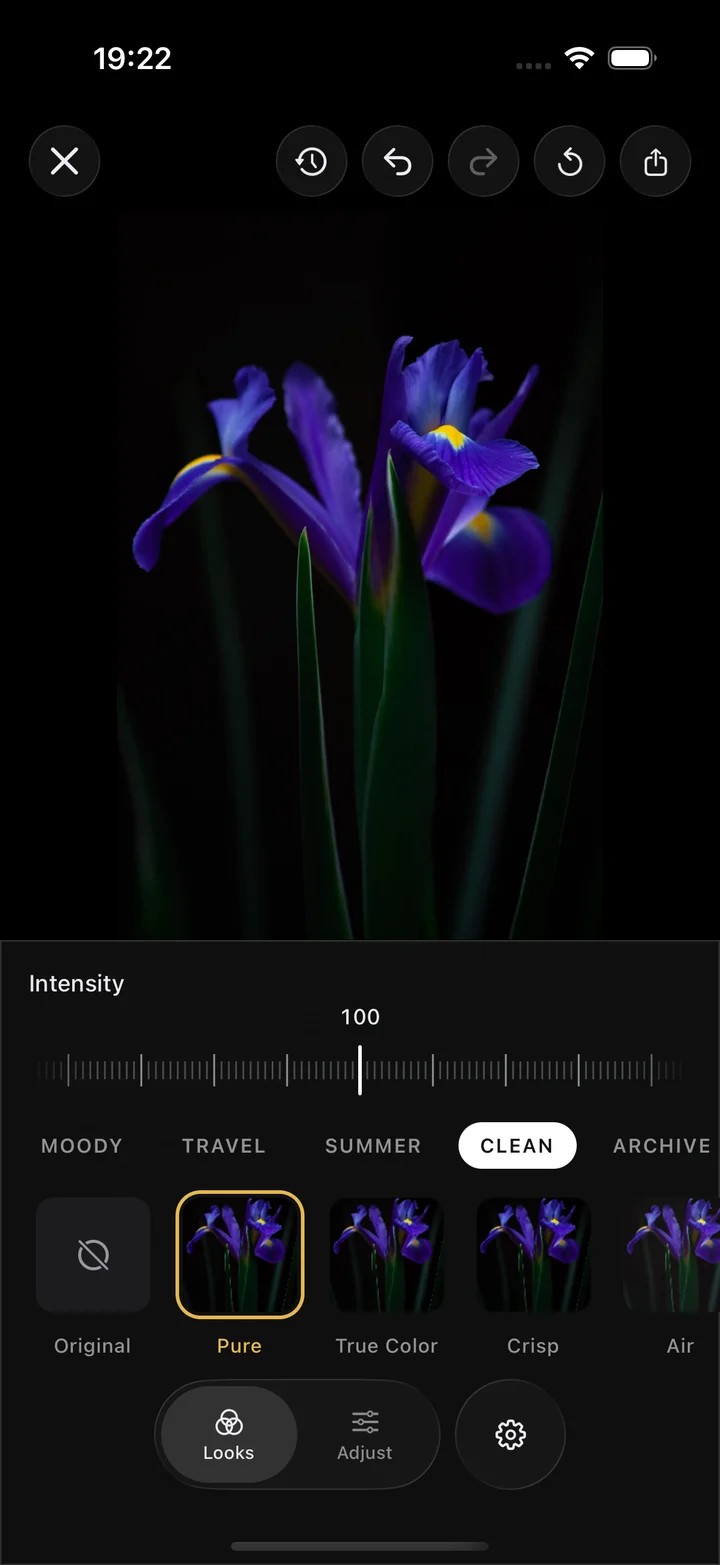
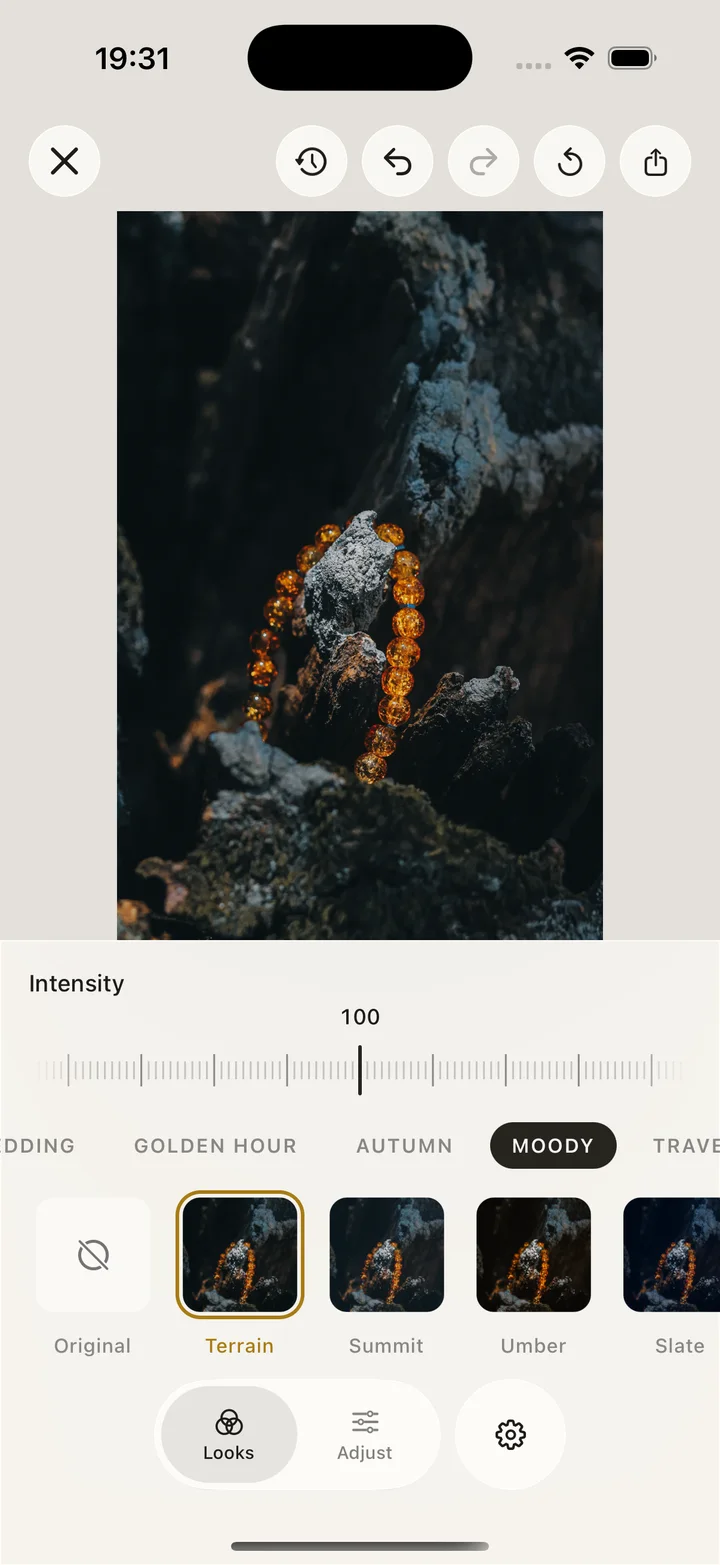
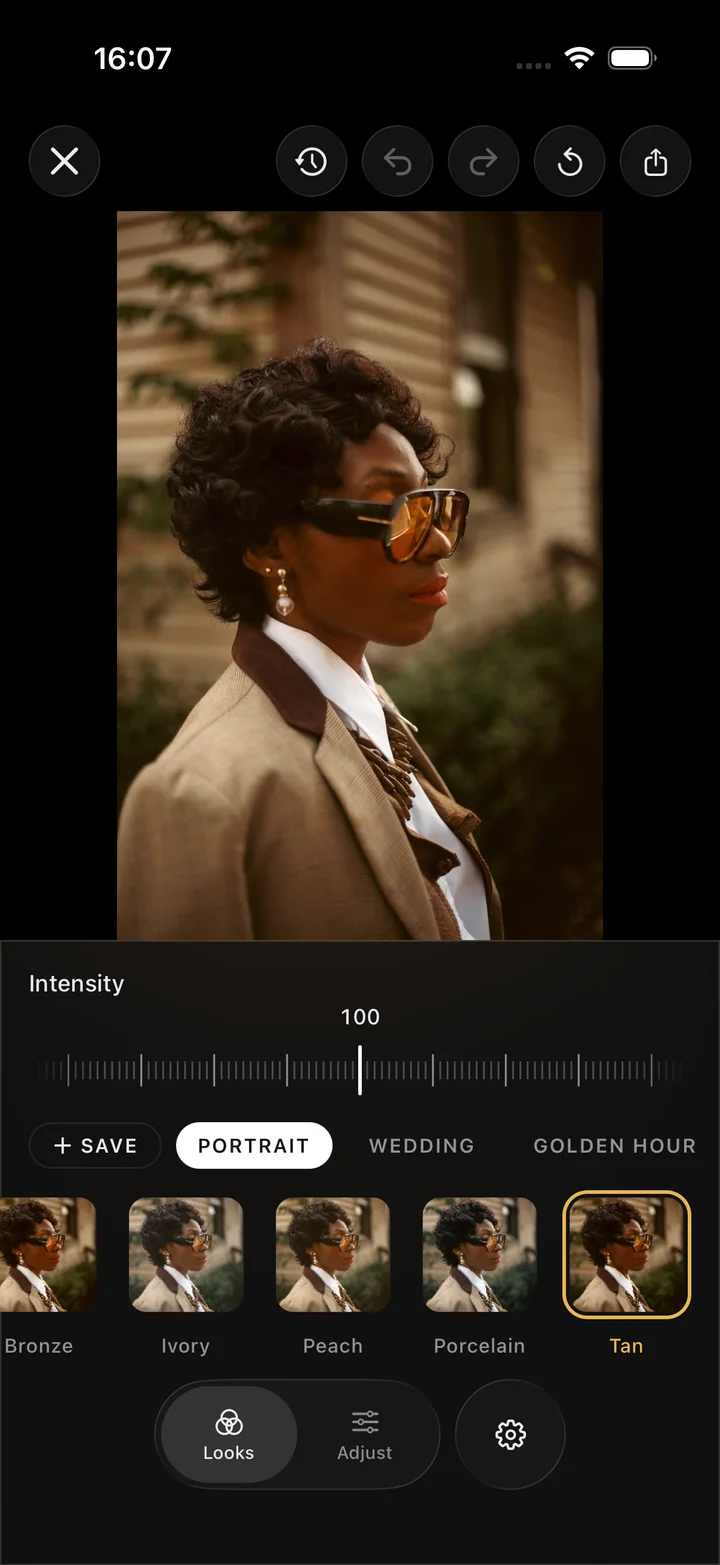
Real film, matched by hand.
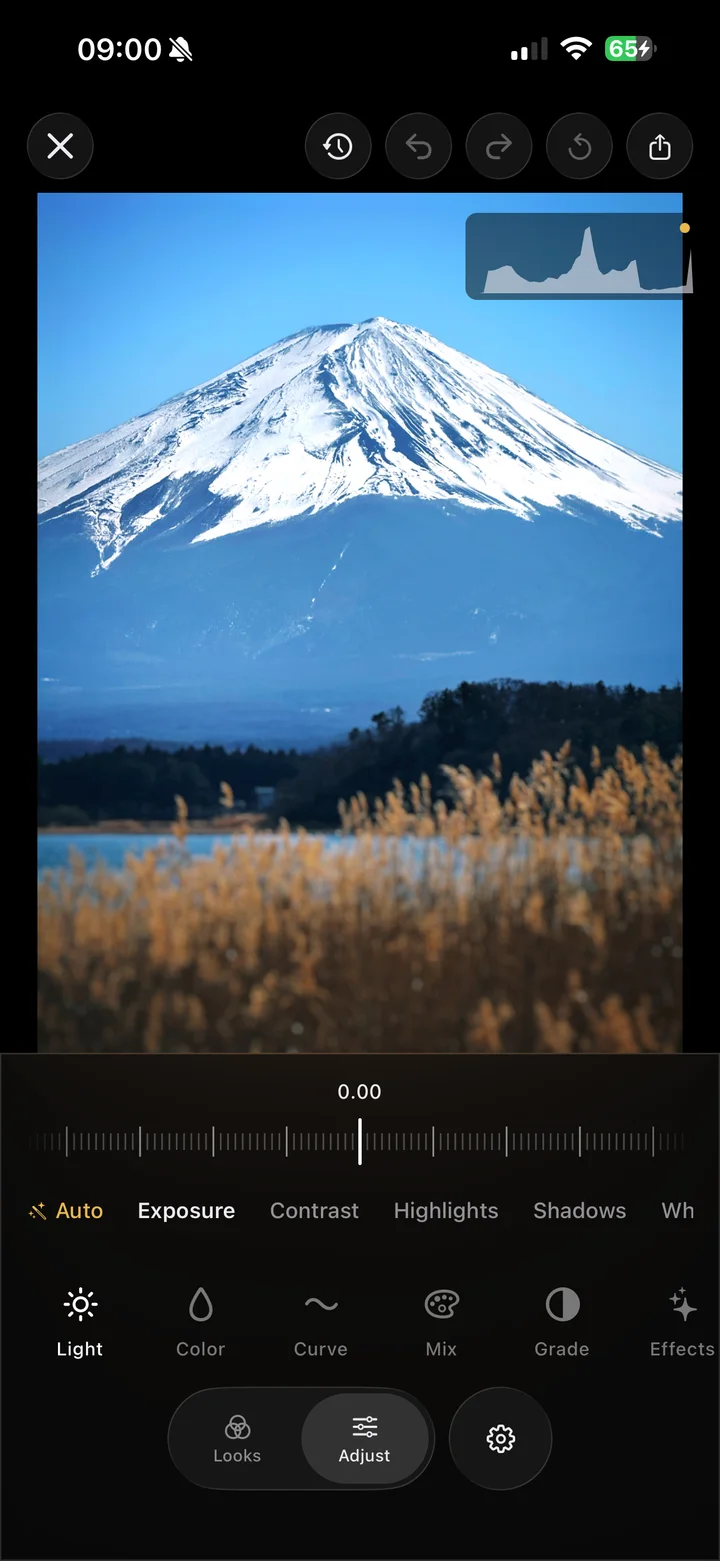
Each look is tuned against the film stock it imitates, so the color lands the way film actually did. Tap it on, then push it further or pull it back until it sits right.
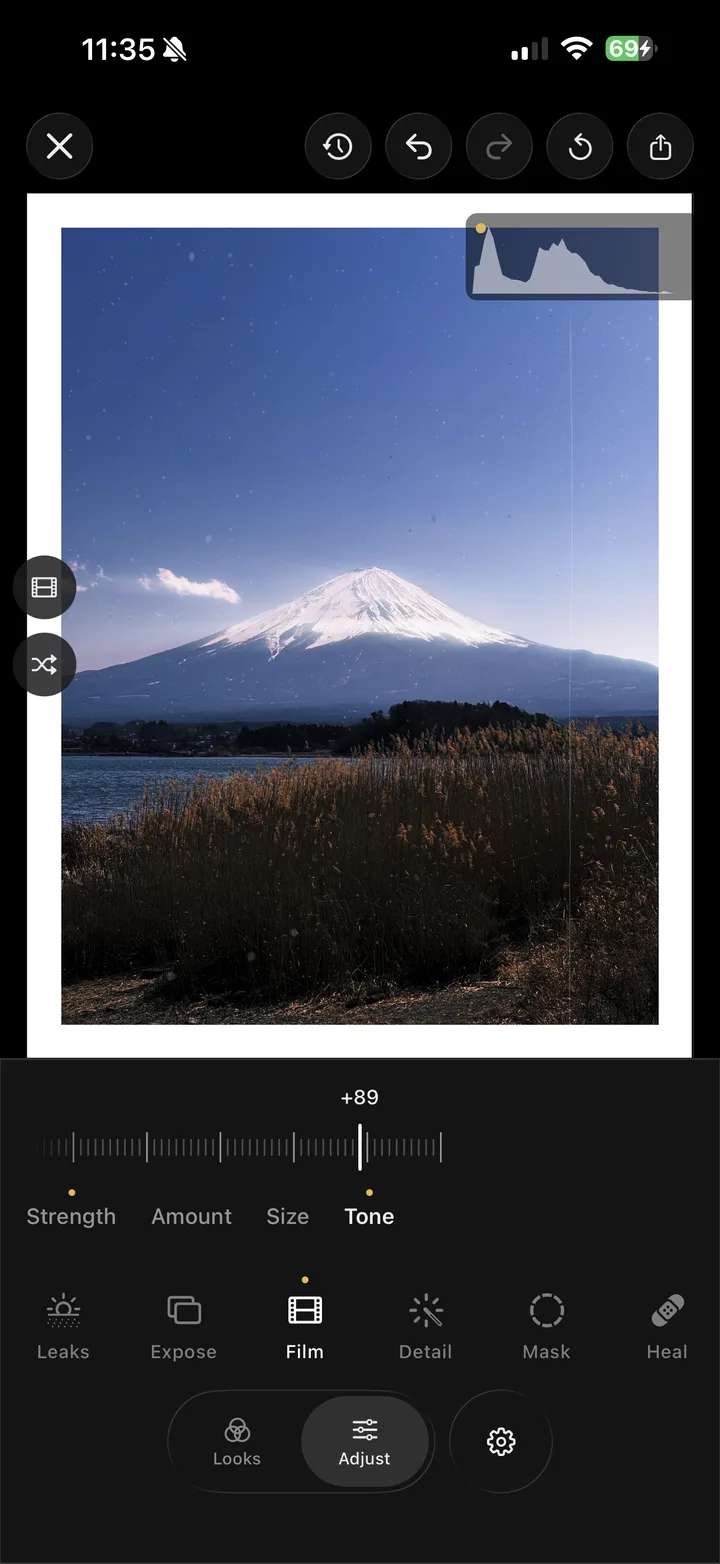
Optics that sell the picture.
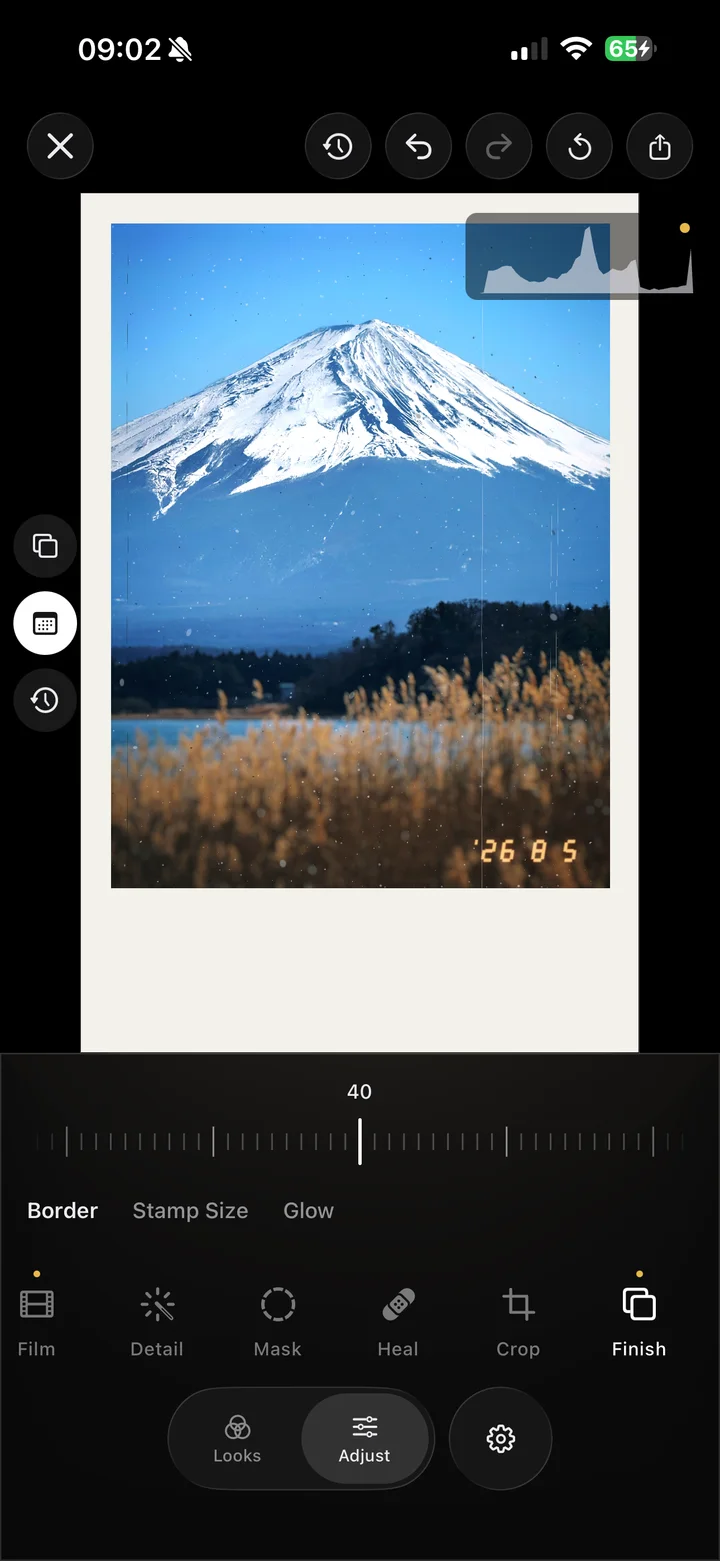
Glow around the lights, leaks at the edge of the frame, flare you drag right onto the sun. Nine film effects that stack together, and every one stays changeable later.
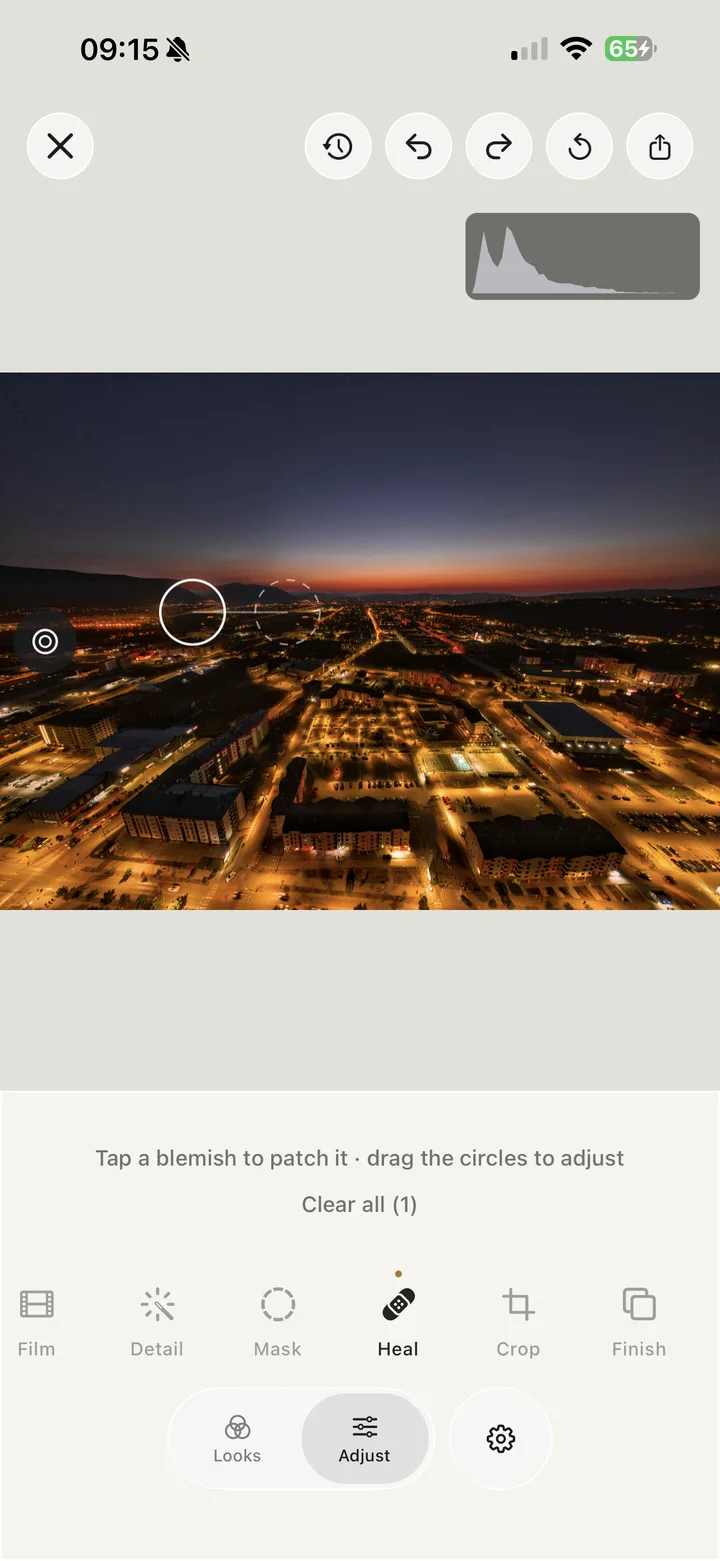
Edit exactly what you point at.
One tap selects the person or the sky. Brighten a face, deepen a sunset, wipe away a photobomber. Everything else stays the way you shot it.
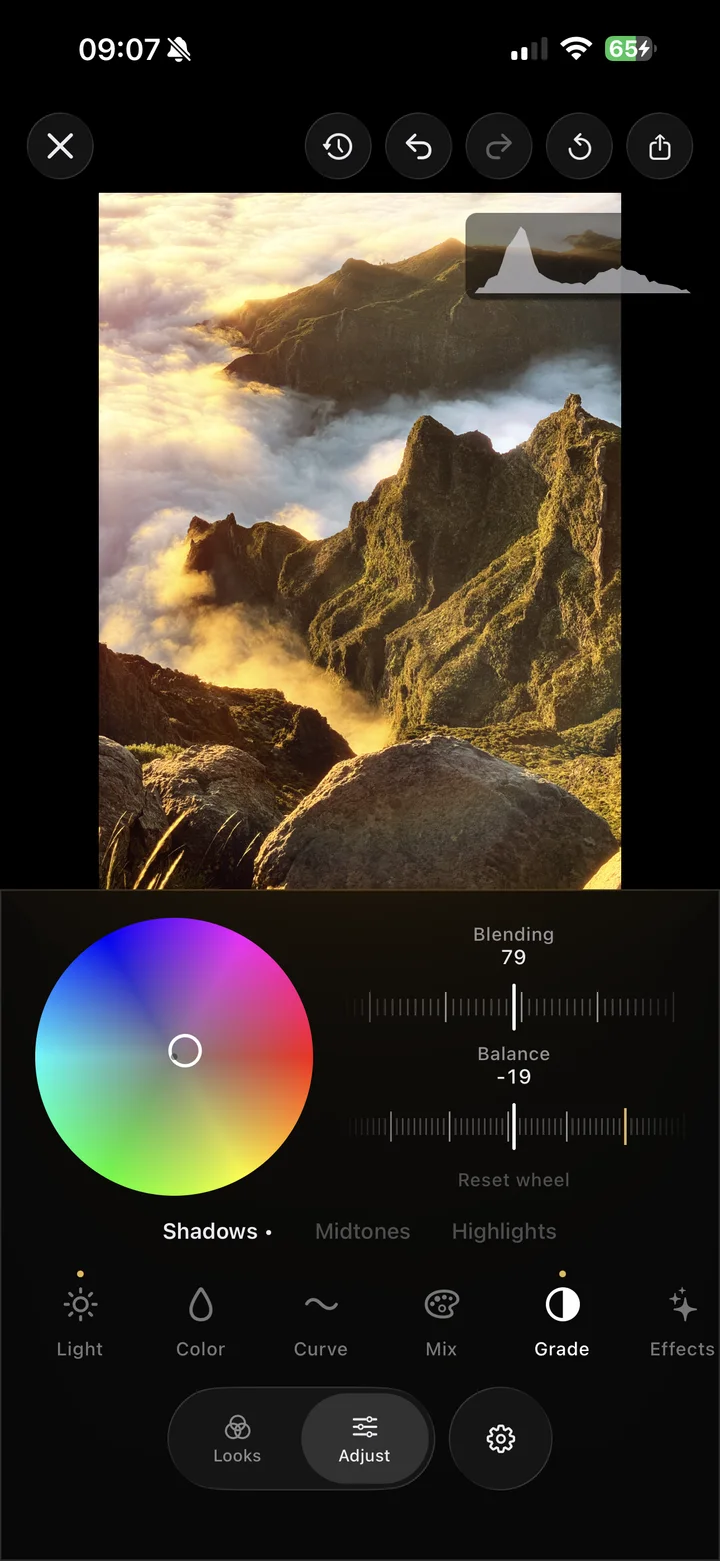
The serious tools cost nothing.
Curves, color mixing, grading wheels, healing, RAW. The controls other editors put behind a subscription, right up to full-resolution export with no watermark.
Reopen any edit, months later.
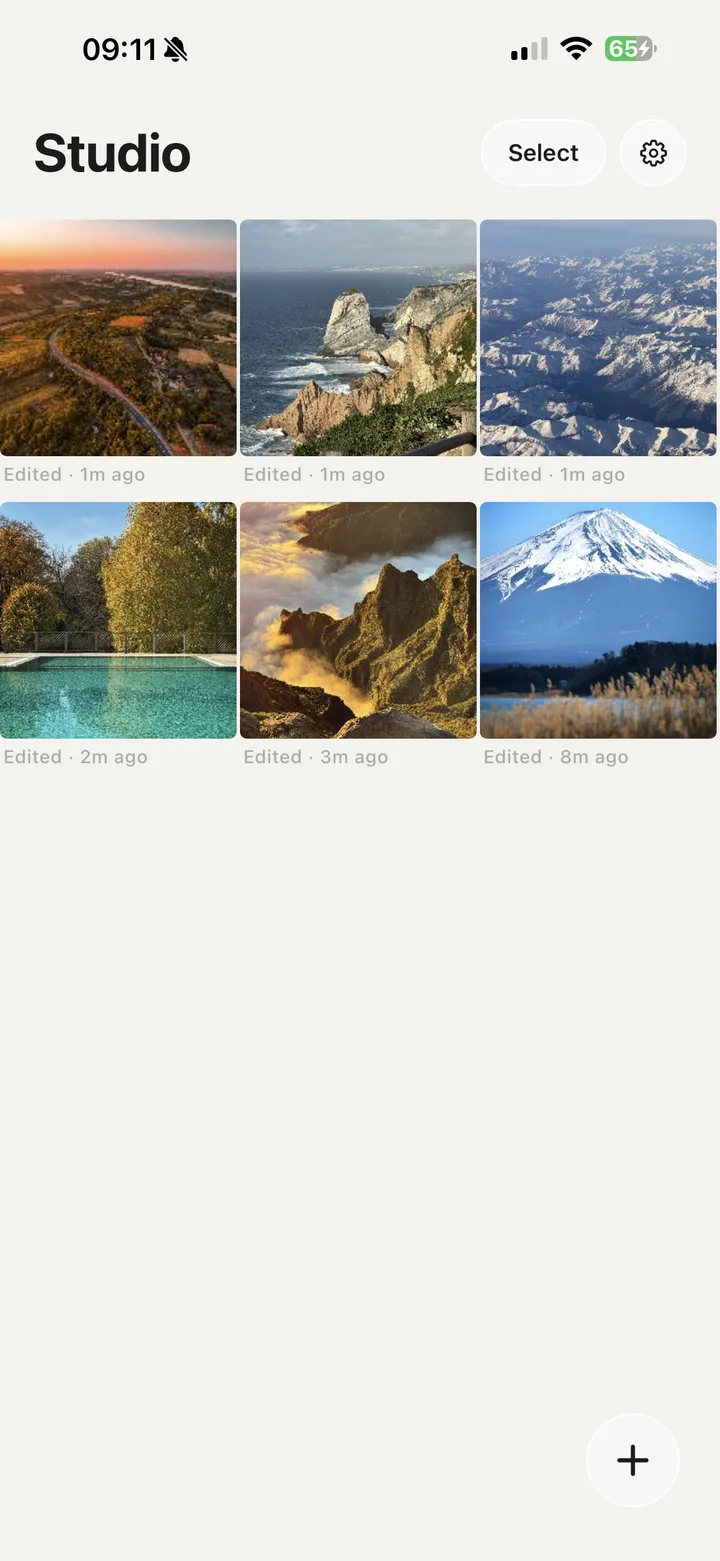
Every session saves itself as you work. Come back in a month, nudge one thing, export again; your original photo stays untouched the whole time.
Every edit happens on your device. Your photos stay there.
Iris has no account system, no ads, and no server to talk to. Not a single photo is ever uploaded, anywhere.

Iris Pro. The looks and the optics.
Everything you need to edit is free. Iris Pro is the taste: all ninety-plus looks, the nine signature optics, and every pack that ships after. There is no trial period. Four starter looks let you judge the color first.
Common questions.
-
Are my photos ever uploaded?
No. Every edit runs on the device, and there is no upload path to send them through.
-
What’s free and what needs Iris Pro?
Every editing tool is free: masks, heal, curves, the mixer, grading, RAW, and full-resolution export. Iris Pro unlocks the look library and the nine signature optics, like halation and light leaks.
-
How do I restore my Iris Pro purchase?
Open Iris, go to the paywall and tap “Restore purchases”. Your subscription lives on your App Store or Google Play account, so it survives a deleted app or a new phone.
-
Why does Iris ask for photo access?
Only to let you pick photos to edit and to save your exports. Nothing is uploaded anywhere; the privacy policy has the full detail.
-
Where are my edits stored?
On your device, in Iris’s private app storage. Deleting a session deletes its copies; your original photo is never modified.
-
Is my color re-editable later?
Yes. Edits are saved as live values, so any session reopens exactly where you left it. Changing Pro looks or optics requires an active Iris Pro.
-
How do refunds work?
Purchases are processed by Apple or Google. On iPhone, request a refund at reportaproblem.apple.com; on Android, use your Google Play order history.